laneway
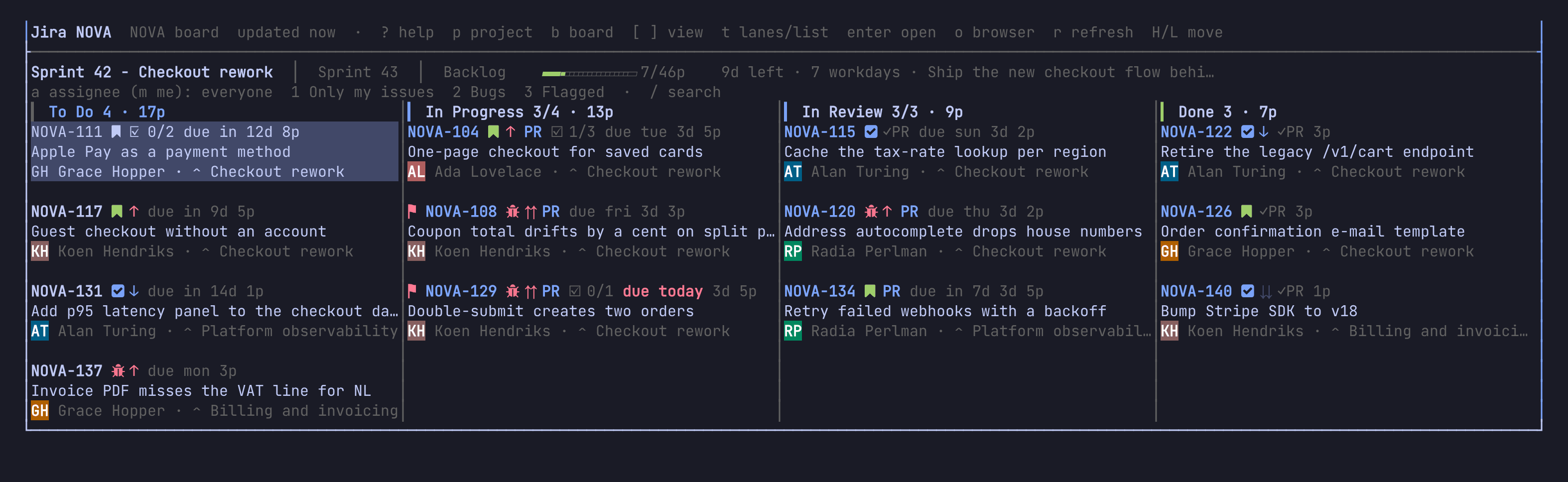
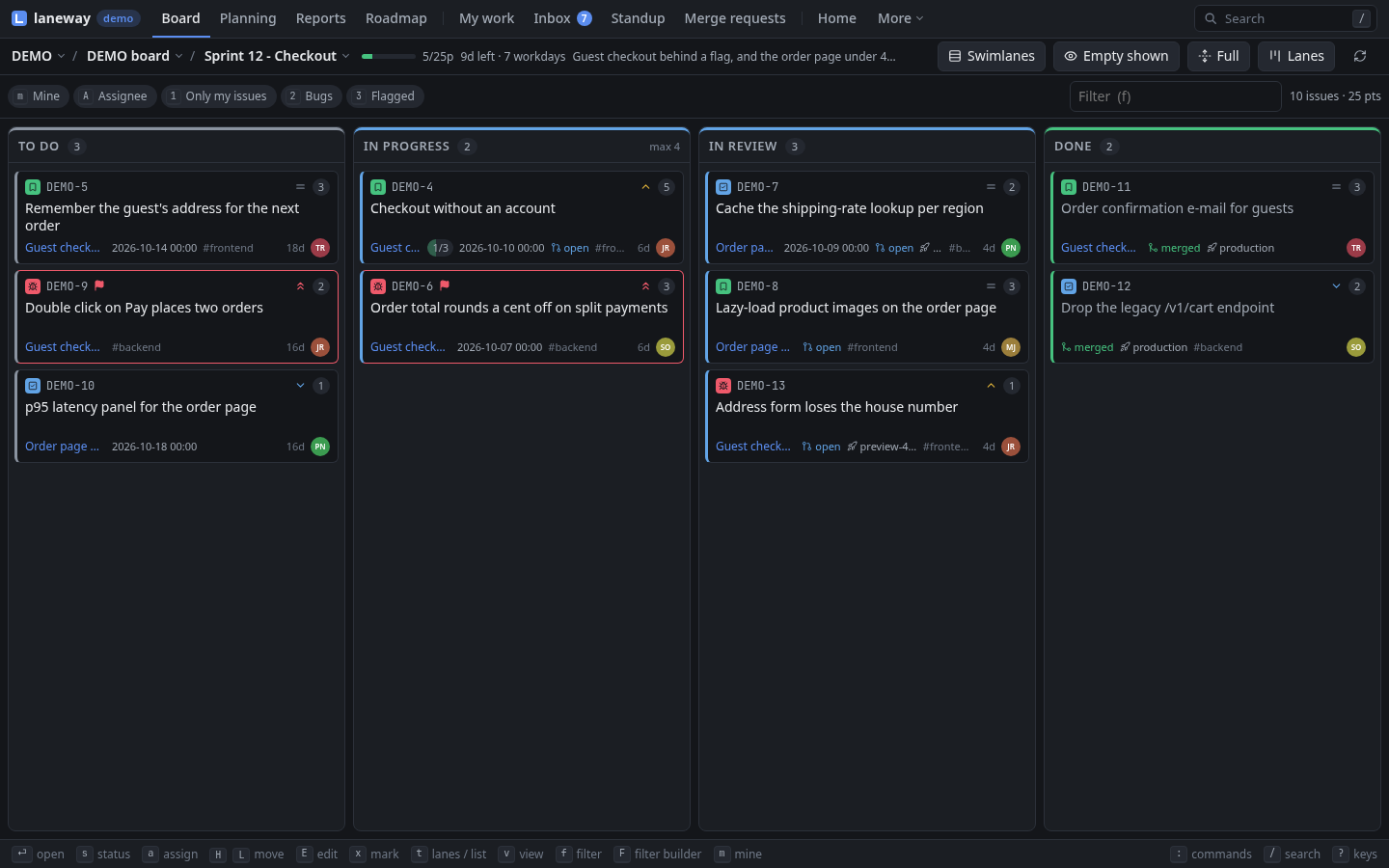
Jira, keyboard first, in your terminal or your browser. One board of one project as swim lanes or a list, the selected issue in a panel beside it. Move cards, edit fields, comment and reply, plan sprints, log time and review merge requests without opening Jira.
Install
brew install cornedor/tap/laneway      # macOS
yay -S laneway                         # Arch (AUR), laneway-git for main
nix run github:cornedor/laneway
go install github.com/cornedor/laneway@latest
Or grab a binary from Releases.
Start
laneway              # in the terminal
laneway web          # in the browser, http://127.0.0.1:8484
laneway -demo        # a generated project, no Jira needed (laneway web -demo too)
One binary and one config for both; they can run side by side.
Where to start
- New here? The guide walks you from first run to planning sprints and writing rules, with tips and things to try. Where the terminal and the browser differ, pick yours in any tab and every page follows.
- Looking for one key or option? The reference lists every key, option and command.
- Inside laneway,
?shows the keys and:finds any action.